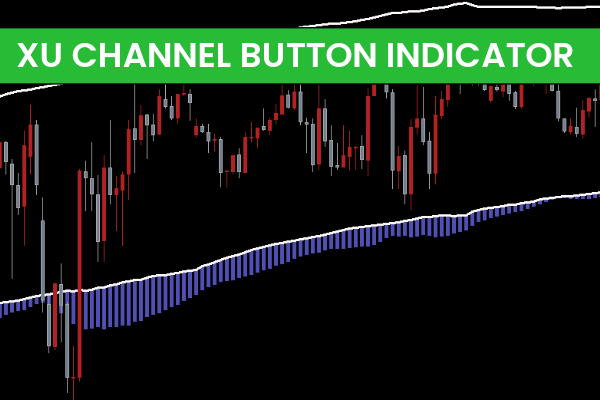
The XU Channel Button Indicator for MT4 is a powerful tool designed for channel-based trading. Channel trading allows traders to monitor market trends by highlighting areas of support and resistance, helping to determine the optimal buy or sell positions.
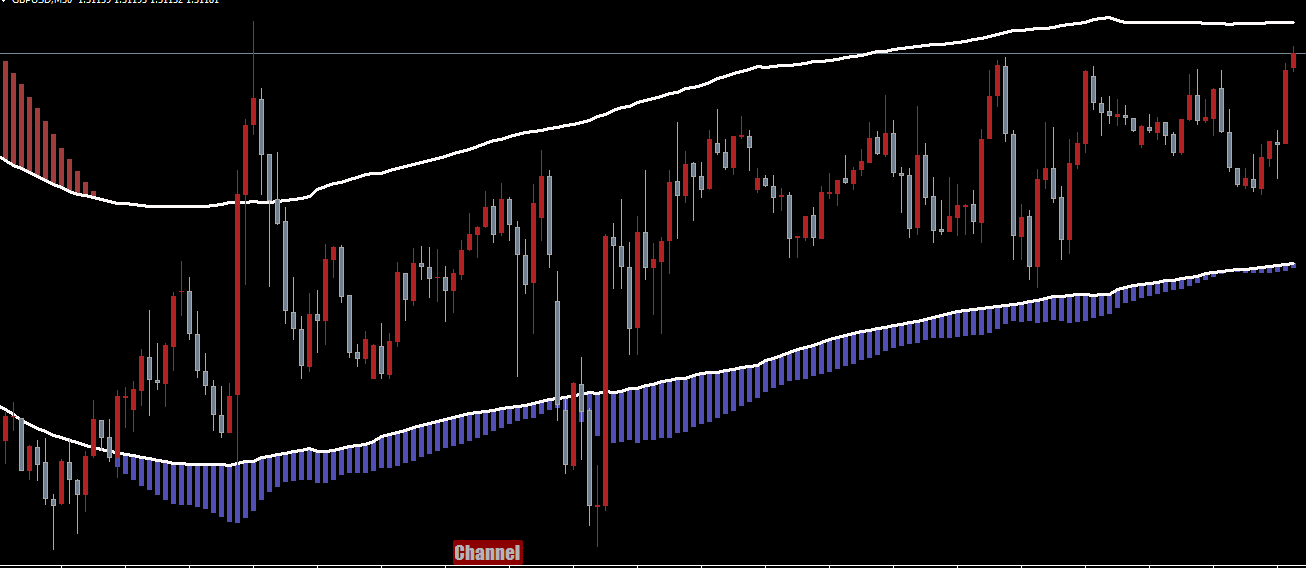
Unlike traditional channel indicators, the XU Channel Button goes further by showing the momentum of the prevailing trend through color-coded histograms. This provides traders with additional insight into market strength and potential reversals.
How Channel Trading Works
Channel trading relies on the assumption that prices will retrace when reaching support or resistance. In practice:
Buy Position: Opened near the channel support when prices are expected to rebound.
Sell Position: Opened near the channel resistance when prices are expected to decline.
If the price breaks through the channel boundary, it may indicate a strengthening trend. Traders can then adjust their strategy to trade with the trend: buying above resistance or selling below support for breakout opportunities.
Key Features of XU Channel Button Indicator
Trend and Breakout Signals
The indicator allows two primary trading approaches:
Trading the Trend: Enter positions in the direction of the prevailing trend, such as buying in ascending channels or selling in descending channels.
Trading Breakouts: Enter positions when the price closes above resistance or below support, confirmed by multiple price closes, signaling Trend Continuation.
Momentum Histograms
Blue Histograms: Indicate a bullish momentum shift
Red Histograms: Indicate a bearish momentum shift
These visual cues help traders anticipate potential trend changes and reversals, enabling timely entries and exits.
Customizable Inputs
The XU Channel Button indicator includes customizable settings for channel width, histogram sensitivity, and alert notifications, allowing traders to align the indicator with their trading style and risk management strategy.
How to Use XU Channel Button Effectively
Identify the Trend: Observe the channel direction—ascending or descending.
Determine Entry Points: Buy near support in an uptrend or sell near resistance in a downtrend.
Monitor Momentum: Use histograms to confirm bullish or bearish momentum before entering a trade.
Breakout Trading: Wait for confirmation of trend continuation before entering breakouts. Ideally, the price should close beyond the channel boundary at least twice.
Apply Risk Management: Place stop-loss orders slightly beyond the channel boundary to reduce risk.
By combining trend-following and breakout strategies with momentum analysis, the XU Channel Button Indicator allows traders to optimize entries, exits, and profit targets.
Benefits of XU Channel Button Indicator
Identifies key Support And Resistance levels dynamically
Highlights trend momentum with color-coded histograms
Suitable for trend-following and breakout strategies
Customizable inputs allow alignment with different trading styles
Works across intraday, daily, weekly, and monthly charts
This versatility makes the XU Channel Button Indicator a valuable addition to any MT4 trader’s toolkit.
Conclusion
The XU Channel Button Indicator for MT4 is ideal for traders who want to trade trends or take advantage of breakout opportunities. Its channel support, resistance levels, and momentum histograms provide actionable insights for both novice and experienced traders.
For more advanced MT4 indicators and trading tools, visit IndicatorForest.com to download the XU Channel Button Indicator and enhance your trading strategy.
FAQ
5 Downloads
Published:
Nov 25, 2025 02:44 AM
Category: