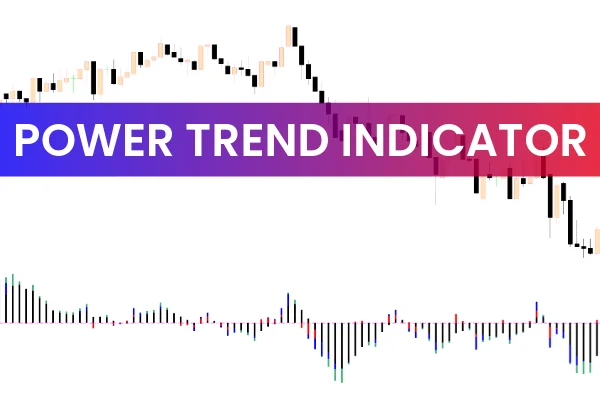
The Power Trend Indicator MT5 is one of the most effective tools for identifying trend direction, trend maturity, and overall market momentum. Forex traders rely heavily on technical indicators to navigate the market, and using the Power Trend Indicator MT5 in the first stages of analysis provides a clearer picture of whether the market is trending, reversing, or consolidating. By combining visual colors with histogram movement, this MT5 indicator gives both beginners and advanced traders a simplified view of Trend Strength.
Key Advantages of the Power Trend Indicator MT5
One of the main advantages of this indicator is its ability to visually highlight different stages of a trend. Unlike many traditional indicators that only focus on movement relative to price, the Power Trend Indicator MT5 uses colored histograms that represent weak, emerging, moderate, and strong trends. This dynamic representation helps traders understand when to enter, hold, or exit a trade.
How the Power Trend Indicator MT5 Works
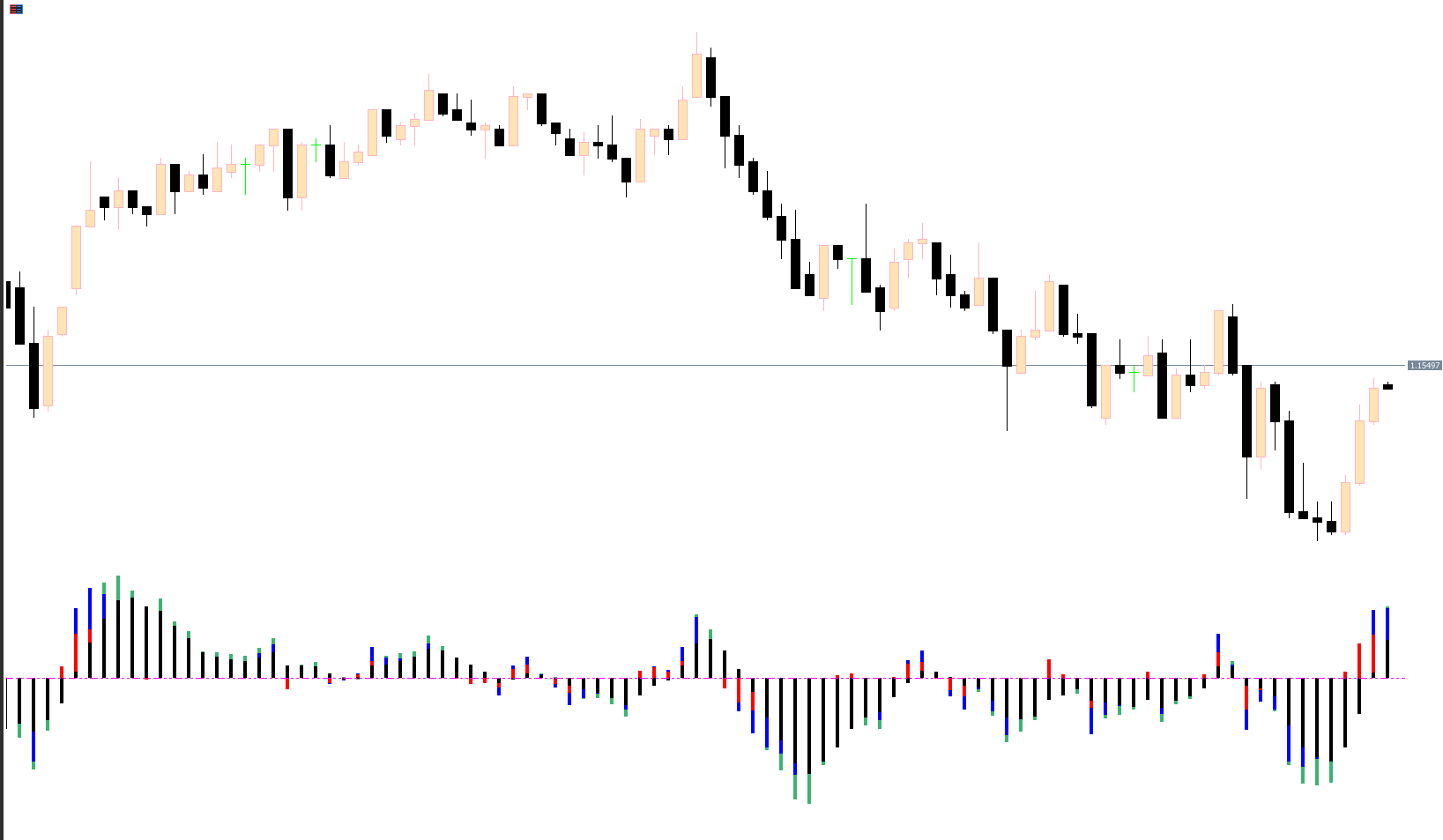
The histogram is the core component of the indicator. When the histogram stays above the zero line, it signals an upward trend. When it stays below the zero line, it signals a downward trend. Beyond direction, the color of the histogram shows the strength of the trend:
Black histogram: Represents weak or no trend. Traders should avoid new entries.
Red histogram: Indicates the beginning of a new trend phase. This is considered an early signal.
Blue histogram: Shows a moderately strong trend. Many traders use this stage to adjust open positions.
Green histogram: Represents a strong and well-established trend, ideal for trend continuation strategies.
This simple but powerful visual system allows traders to avoid entering during consolidation and instead focus on confirmed trend phases. It also prevents them from exiting profitable trades too early.
Power Trend Indicator MT5 Trading Method
The trading approach using this indicator is straightforward. Traders can determine the trend's direction using the zero line and then evaluate the trend’s maturity using color changes. For example, if the CADCHF H4 chart shows the histogram above the zero line with a shift from blue to green, this indicates strengthening upward momentum. Traders may choose to add positions or hold existing trades during this phase.
A trend is considered weak or ending when the histogram returns to black. If it shifts to red after a longer phase of blue or green, it often signals the start of a new trend cycle. Beginner traders find this visual guidance particularly helpful because it reduces the emotional component of decision-making and ensures that trades follow a structured system.
Practical Uses for Both Beginner and Professional Traders
Beginner traders benefit from the clarity of the color-coded display. They can easily distinguish between weak and strong trends without complex analysis. The visual format helps them stay inside a trend longer and avoid unnecessary early exits.
Professional traders use the indicator to refine strategies, such as adding positions during strong momentum or scaling out when the trend weakens. The indicator integrates well with other MT5 tools like moving averages, Support And Resistance zones, and candlestick patterns.
Easy Installation and Free Availability
The Power Trend Indicator for MT5 is simple to install, even for traders new to MetaTrader. Once added to the chart, the trend colors immediately enhance decision-making accuracy. Since the tool is free to download, it offers significant value for traders looking to improve their performance without costly software investments.
Conclusion
The Power Trend Indicator MT5 provides an intuitive and visually rich way to understand trend stages in the forex market. By showing trend strength through color-coded histograms, it helps traders make more confident and informed trading decisions. Whether you are new to Forex or a seasoned trader, this indicator is a valuable addition to your MT5 toolkit.
To download powerful tools and explore more high-quality indicators, visit IndicatorForest.com today.
FAQ
3 Downloads
Published:
Nov 24, 2025 02:38 AM
Category: