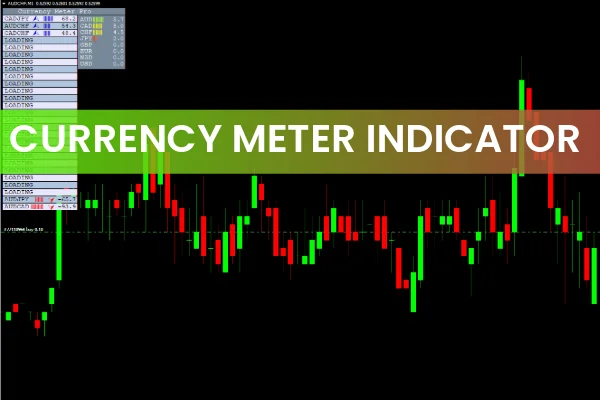
The Currency Meter Indicator for MT4 is a powerful tool that ranks currencies and currency pairs by their real-time strength and weakness. This helps traders quickly identify bullish and bearish opportunities in the forex market. The indicator displays bullish currency pairs with a blue upward arrow and bearish pairs with a red downward arrow, making market direction easy to understand at a glance. By using this currency strength indicator, forex traders can build more accurate technical strategies and make informed Buy and Sell decisions based on clear data.
How the Currency Meter Indicator MT4 Works
The indicator evaluates the strength of individual currencies and their pairs across the market. Strong currencies appear in green, while weaker currencies display in red, allowing traders to immediately assess market bias. The interface is simple, visual, and suitable for both beginners and advanced forex traders.
Because it works on any timeframe, traders can place the indicator on M1, M5, H1, or even daily charts while still getting reliable currency strength readings.
Key Features of the Currency Meter Indicator
Displays 28 major forex pairs
Blue up arrows show bullish strength
Red down arrows indicate bearish weakness
Green highlights the strongest currencies
Red highlights the weakest currencies
Works on all MT4 timeframes
Helps build strength-based trading strategies
Currency Meter Indicator MT4 Trading Signals
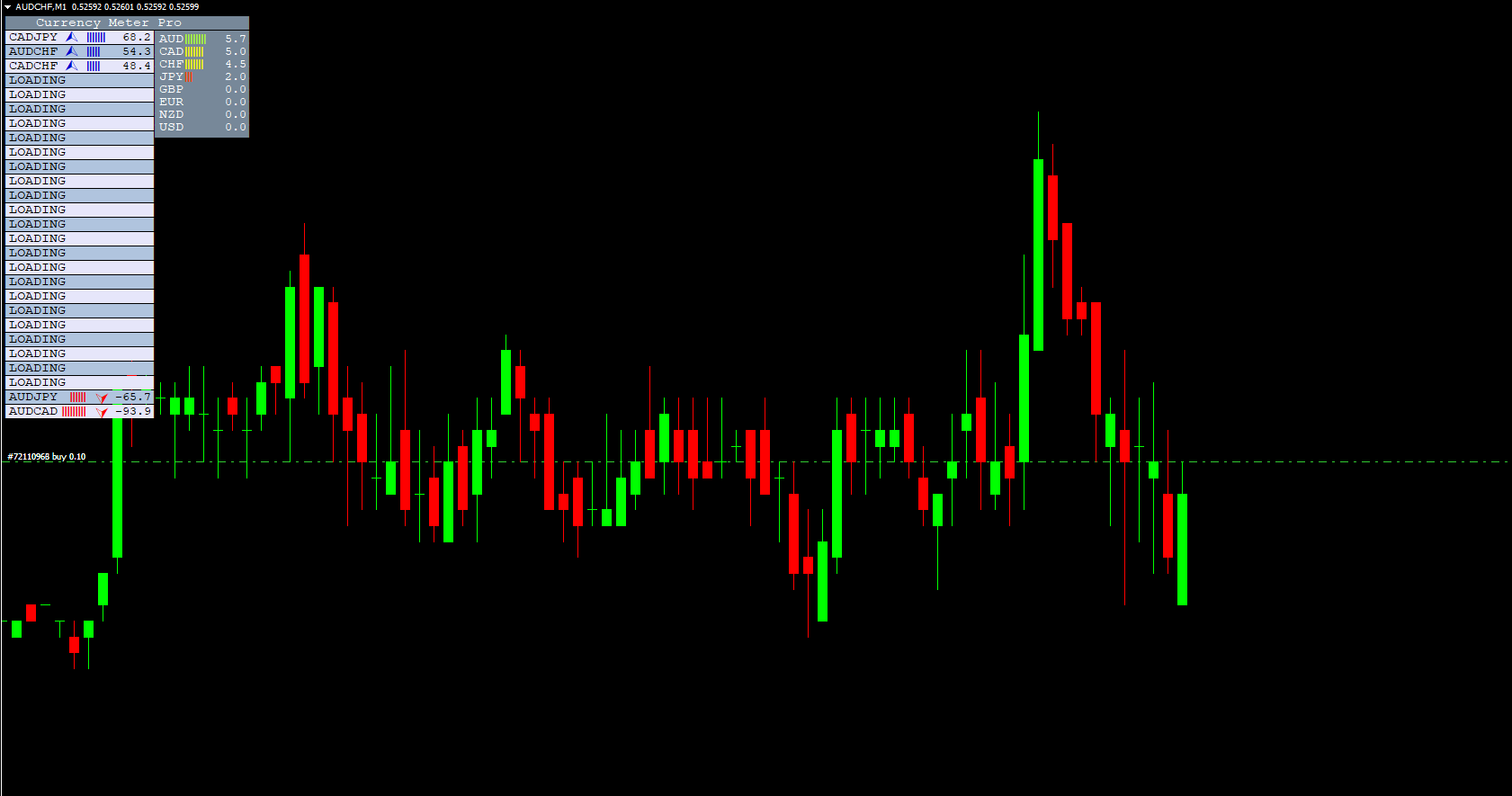
When applied to a chart—such as an EURCHF candlestick chart—the indicator shows two types of data:
Currency Strength Table – Displays the strength of individual currencies
Currency Pair Strength Table – Shows the directional strength of 28 forex pairs
Bullish pairs with higher strength values appear at the top of the table with blue upward arrows. These pairs are ideal candidates for Buy entries.
Bearish pairs, which show lower or negative values, appear with red downward arrows. These are the pairs traders can consider for Sell entries.
Buy Strategy with the Currency Meter Indicator
Look for the currency pairs listed at the top with high positive strength values.
Confirm that the pair shows a blue upward arrow.
Enter a Buy position.
Place your stop loss below the previous swing low.
Since the indicator does not provide take-profit levels, use a favorable risk-reward ratio or exit if strength begins to weaken.
Sell Strategy with the Currency Meter Indicator
Find the pairs with the lowest negative values, located at the bottom of the strength list.
Confirm that the pair shows a red downward arrow.
Enter a Sell position.
Place a stop loss above the previous swing high.
Book profits if the pair shows signs of strength reversal.
Best Practices for Using the Currency Meter Indicator
While the indicator is highly useful for identifying strong and weak currencies, traders should be cautious during economic news releases, as strength values can shift rapidly. Combining the currency strength meter with additional tools—such as trend indicators or oscillators like RSI or Stochastic—can improve accuracy and reduce false entries.
Conclusion
The Currency Meter Indicator for MT4 is an essential tool for traders who rely on currency strength analysis. It provides a clear overview of bullish and bearish pairs, helping traders develop more confident and data-driven trading strategies. Although strength values can fluctuate quickly, especially during major news events, pairing the indicator with additional confirmation tools can improve results.
To download more MT4 and MT5 tools, visit IndicatorForest.com and explore a full library of free and premium trading indicators.
FAQ
7 Downloads
Published:
Nov 29, 2025 09:56 AM
Category: